Short answer: yes. Every modern professionally-installed and DIY home security system sold in the United States today ships with a companion mobile app that lets you control the system from anywhere with a data connection. The longer answer — what you can actually do remotely, how the connection stays alive when your home Wi-Fi dies, and how secure that connection really is — is what most homeowners never get explained at the sales table. This guide walks through the real substance of remote control so you know what you're buying and what its limits are.
In this article
- Can I Control My Home Security System Remotely? Yes — Here's How It Actually Works
- What You Can Actually Do From the App
- How Your Phone Actually Talks to the Panel
- The Security of the Remote-Control Channel Itself
- Manufacturer Apps vs. Third-Party Hubs
- Limitations Nobody Advertises
- How to Choose a System Where Remote Control Actually Works
- The Bottom Line
What You Can Actually Do From the App
"Remote control" is a marketing phrase that hides a lot of detail. On a current-generation system from ADT+, Vivint, Ring, SimpliSafe, or Brinks Home, the feature set typically includes the following — though exact capabilities vary by hardware tier and subscription level.
Arming, Disarming, and Mode Changes
You can arm the system in "stay" or "away" mode, disarm it, and switch between modes from the app. SimpliSafe's own support documentation describes arming and disarming the system from the mobile app with a single tap, and Ring's app similarly supports remote arming and disarming for Ring Alarm. If you forgot to arm the system on your way out, you can fix it from the office. If a contractor needs to be let in, you can disarm just long enough for the visit and re-arm it after.
Live and Recorded Video
If your system includes cameras or a video doorbell, the app streams live video on demand and plays back motion-triggered or continuously-recorded clips. Cloud retention varies by plan — ADT+ paired with Nest Aware Plus, for example, advertises up to 60 days of recorded event history — and clip length and resolution vary by camera. The video stream itself is bandwidth-sensitive, which is why latency on the live view depends almost entirely on your home's upload speed.
Smart Lock Control and Temporary Access Codes
Integrated smart locks let you remotely lock and unlock the front door and issue time-limited or one-time access codes — useful for cleaners, dog walkers, Airbnb guests, or a relative checking on the house. ADT+ markets a "Trusted Neighbor" feature that automates event-based or scheduled access for friends and helpers. The better systems log every code use with a timestamp and the name attached to the code. For a deeper dive on the lock side specifically, see our complete guide to smart locks for the front door.
Notifications, Automations, and Status
Push notifications cover sensor trips, low batteries, system arming events, doorbell presses, motion, and (on premium tiers) AI-classified events such as "person detected" or "package delivered." Vivint's app explicitly supports custom routines such as automatically disarming the security system when you unlock the front door, and Brinks Home's app — powered by Alarm.com — extends remote control to thermostats, lights, locks, and garage doors in the same view as your security panel.
How Your Phone Actually Talks to the Panel
Understanding the path your "disarm" tap takes is what separates an informed buyer from a marketing target.
The Three-Hop Architecture
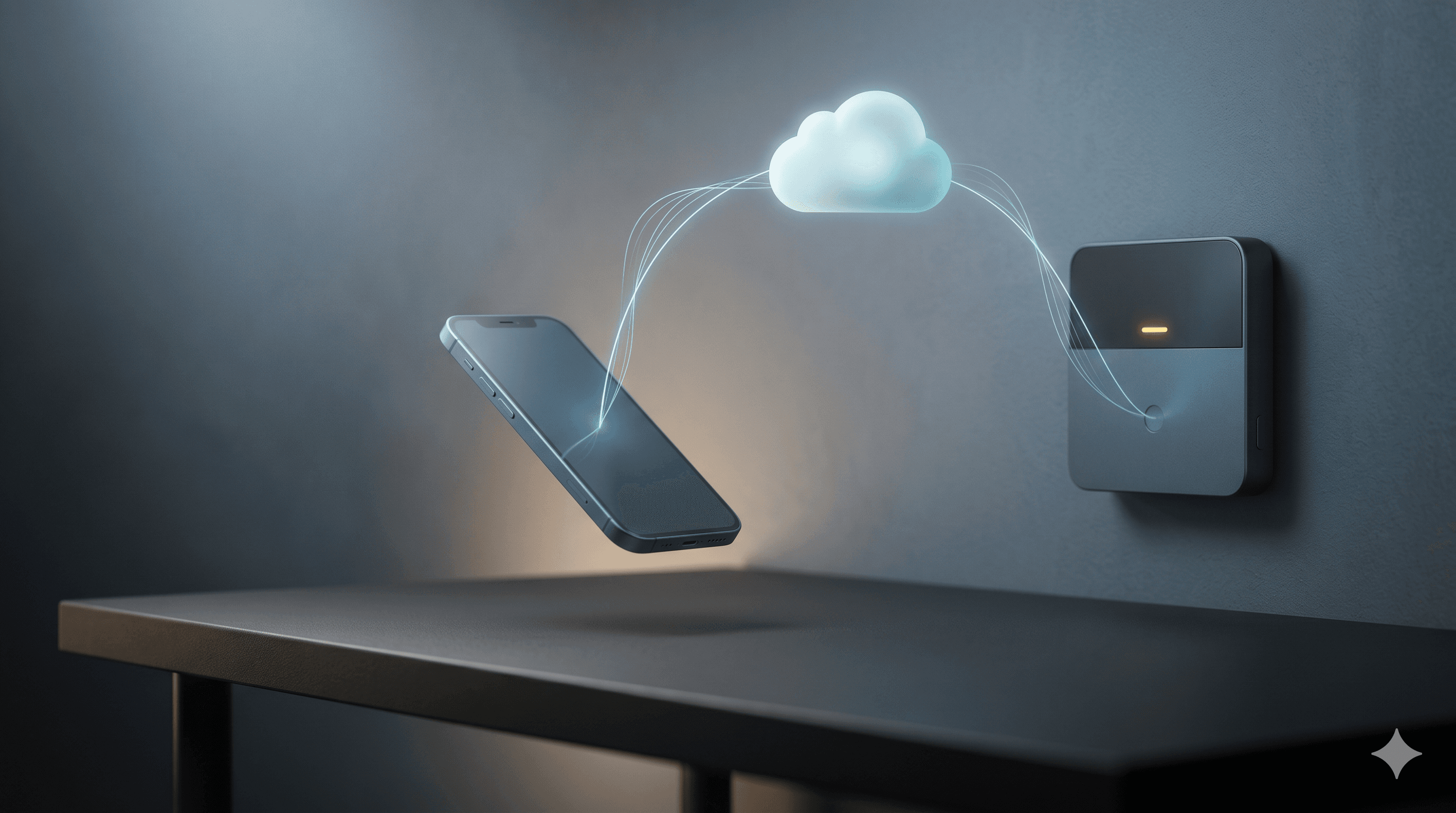
Almost every modern system uses the same architecture: your phone speaks to the manufacturer's cloud over the public internet, the cloud relays the command to the panel at your home, and the panel acts on it locally. Your phone almost never speaks directly to the panel — even when you're sitting on the couch next to it. This is why the system stops working when the manufacturer's cloud has an outage, and it's why "local-only" enthusiasts gravitate toward platforms like Home Assistant.
Wi-Fi, Cellular, and What Happens in an Outage
Most panels connect to the cloud over your home Wi-Fi by default. Professionally-monitored systems — and many self-monitored ones with a paid plan — also include a built-in LTE cellular radio as a backup path. If your internet drops or someone cuts the cable line at the house, the panel automatically fails over to cellular and keeps reporting alarms to the monitoring center. Your app may or may not work during the outage, depending on whether the manufacturer routes app traffic over the cellular link or reserves it for monitoring-center signals only. ADT, Vivint, and Brinks Home all sell cellular-capable panels; SimpliSafe's Base Station 3 ships with cellular built into paid monitoring plans; Ring Alarm includes cellular backup with a Ring Home Pro subscription.
If you live somewhere with thin LTE coverage, ask the installer to test signal strength inside the panel's installation location before the system is mounted. A panel in the basement next to the breaker box may have full Wi-Fi and zero cellular bars.
Power Failures
Sealed lead-acid or lithium backup batteries inside the panel typically carry 24 hours of standby. Cameras with hardwired PoE keep recording if the network switch is on a UPS; battery-powered cameras keep working but lose cloud upload until the router comes back. A small UPS on the router and modem is one of the highest-value upgrades you can make to any system. For the broader connectivity picture, our home security technology trends for 2026 covers where cellular and mesh networking are headed.
The Security of the Remote-Control Channel Itself
Your security app is now arguably the second-most-attractive target on your phone after your bank app. An attacker who logs into it can disarm the system, unlock the front door, and watch the cameras to confirm nobody's home. Treat it accordingly.
Encryption in Transit
Reputable manufacturers wrap all app-to-cloud and cloud-to-panel traffic in TLS 1.2 or TLS 1.3, which is the same standard your bank uses. This is largely table stakes today, but it's worth confirming in the manufacturer's security documentation rather than assuming. End-to-end encryption of video is a separate question — Ring offers optional E2EE for some cameras, Apple HomeKit Secure Video encrypts clips so even Apple can't see them, and most other systems can technically decrypt footage in their cloud.
Multi-Factor Authentication
This is the single most important setting in your security app. Ring made two-step verification mandatory for all accounts in February 2020 after a wave of camera hijackings tied to credential-stuffing attacks. Most other major manufacturers — ADT, SimpliSafe, Vivint, Arlo, Google Nest — support MFA but enable it as an opt-in, which means it's only on if you turned it on. SMS-based codes are better than nothing, but app-based authenticators (Authy, 1Password, Google Authenticator) are meaningfully harder for an attacker to phish or SIM-swap. Turn MFA on the day you install the system. CISA's Secure Our World "Turn On MFA" guidance publishes the same recommendation for any account that controls a physical-world action, and CISA has set a federal deadline for phishing-resistant MFA adoption that signals where the broader market is moving.
The Real Threat Model
Headline-grabbing exploits against the panel hardware itself are rare. The realistic compromise paths are mundane: a reused password leaked in an unrelated breach, a phishing email that captures your credentials, or a family member's old phone that still has an active session. Audit "logged-in devices" in the app every few months, use a password manager, and never reuse the password you use on the security app anywhere else. CISA also publishes ongoing guidance on securing Internet of Things devices that's worth a skim before you connect anything new to your network.
Manufacturer Apps vs. Third-Party Hubs
There are two philosophies for remote control, and the choice has long-term consequences.
The Manufacturer App (ADT+, Vivint, Ring, SimpliSafe, Brinks Home)
One vendor controls the experience end-to-end — sensors, panel, cloud, app. It's the simplest setup, the support hotline knows the whole stack, and feature releases are coordinated. The trade-off is lock-in: when you change providers you generally replace the panel and most of the sensors, and integrations with non-branded smart-home gear range from "good" to "barely tolerated."
The Hub Approach (SmartThings, Home Assistant, Apple Home)
A third-party hub aggregates sensors, locks, cameras, and panels from many vendors behind one app. Home Assistant in particular is popular with privacy-focused users because most automations and even many integrations run locally — your "disarm when I get home" rule doesn't depend on a cloud at all. The cost is complexity: you become your own integrator, firmware updates can break things, and there's no 1-800 number to call at 2 AM. SmartThings sits in the middle: easier than Home Assistant, more open than a manufacturer app. For a broader look at how these stacks fit together, our guide to smart tech and home security covers integration in depth.
Limitations Nobody Advertises
Remote control is genuinely useful, but it has real edges that the marketing pages skip.
Latency
From a tap on your phone to a confirmed action at the panel, expect 1–4 seconds in normal conditions. Live video preview can take 2–8 seconds to start streaming because the camera has to wake up, negotiate the stream, and begin uploading. If you're trying to talk to a delivery driver through a doorbell, that delay is often the difference between a conversation and a missed package.
Geofencing Accuracy
"Auto-arm when I leave home" relies on your phone's location services. Real-world accuracy is roughly 50–150 meters in suburban environments and worse in dense urban areas, and it depends on whether the app has background location permission. False arms when you walk to the mailbox and missed arms when you drive off with the phone in airplane mode are both common. Geofencing should be a convenience layer, not your only line of defense.
Push-Notification Reliability
Push notifications travel through Apple Push Notification service or Firebase Cloud Messaging. Both are reliable but neither is guaranteed real-time. Battery-optimization settings on Android — especially aggressive OEM modes from Samsung, Xiaomi, and others — can delay or drop notifications from background apps. iOS Focus modes can silently filter security alerts unless you mark the app as a critical-alert sender. Test your notifications periodically by triggering a known sensor; don't assume silence means safety.
Account Sharing
Most systems support multiple users with their own credentials and granular permissions. Sharing your primary login with a spouse instead of creating a separate user defeats the audit trail and breaks MFA. Spend the five minutes to add each adult as their own user.
How to Choose a System Where Remote Control Actually Works
Use this short checklist when comparing systems:
- Cellular backup is built in — not a paid add-on you'll forget to enable.
- The app supports app-based MFA, not just SMS.
- End-to-end video encryption is available for at least the indoor cameras, even if it's optional.
- Granular user roles let you give a houseguest temporary access without sharing your master credentials.
- Local fallback — at minimum, the keypad and siren still function during a cloud outage.
- Published security documentation — vendors who take this seriously have a public security page describing their encryption and authentication practices.
If you're still weighing self-monitored versus professionally-monitored — which heavily affects how the cellular and app pieces are configured — our breakdown of self-monitored vs. professionally-monitored home security walks through the trade-offs. And for a side-by-side of the major vendors' remote-control feature sets, see our best home security systems comparison.
The Bottom Line
Yes, you can control your home security system remotely — and on a well-configured modern setup, doing so is fast, reliable, and reasonably secure. The differences that matter aren't whether the feature exists, but how the system handles internet outages, whether the app forces strong authentication, how transparent the vendor is about encryption, and how gracefully the platform behaves when you try to mix vendors. Get those right and the app on your phone becomes a genuine extension of your security system. Get them wrong and it becomes the easiest way for someone to walk through your front door.
Not sure which system pairs the best remote-control experience with the right monitoring and hardware for your home? Schedule a free Smart Security Concierge consultation and we'll match you to a system whose app you'll actually trust with your front door.